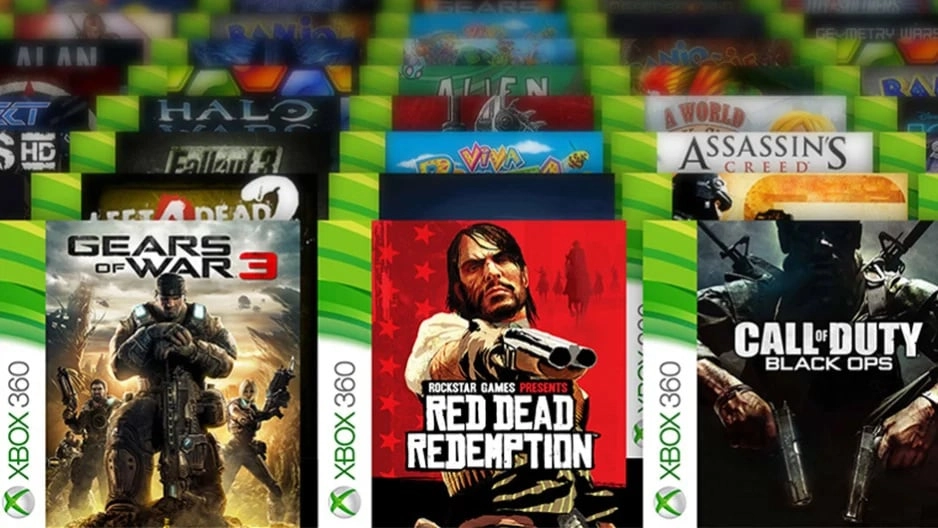
Recently, a significant number of Xbox users encountered difficulties when trying to play Xbox 360 and Original Xbox games on their newer Xbox One, Xbox Series X, and Xbox Series S consoles. The primary complication arose during the installation process of backwards compatible games from discs, with error messages indicating a problem in accessing the content. This issue came to light through multiple user reports across various platforms including Reddit and the Xbox Support channels.
As the problem gained attention, the development team at Xbox moved quickly to address it. An Insider update appeared to resolve the issue temporarily by fixing a user experience regression that occurred during an August update. This regression caused discs with minimal metadata, such as those from Xbox 360 games, to mistakenly trigger an exception within the system software, treating these discs as unsupported.
However, despite the update, several players continued to experience the same installation problems, indicating that the fix had not been uniformly applied or that additional issues might still be present. To temporarily circumvent this problem, Xbox proposed an immediate but straightforward solution.
Xbox developer OscarK, speaking on the gaming forum ResetEra, shared that the issue stemmed largely from a bug in the console's update. He provided two workarounds to help users install their backward compatible games:
1. Enabling the "Autoplay" feature, which can be found under Settings > Devices & Connections > Disc. This setting, which is enabled by default, allows the console to automatically play and install games upon disc insertion.
2. Performing a "push install" of the game using the Xbox mobile app, giving users the ability to initiate the game installation from their mobile device directly.
The team at Xbox is vigorously working to implement a permanent fix and is currently testing it with Xbox Insiders to ensure the problem is thoroughly resolved. Moreover, they are revisiting their testing processes to prevent such issues from occurring in future updates.
The reassurance from Xbox to address and fix these issues quickly is a relief to many users, especially those who rely on the backward compatibility feature to enjoy a vast library of older games on the latest Xbox hardware. However, until a full resolution is deployed, users are encouraged to use the workaround options provided.
These issues serve as a reminder of the complexities involved in maintaining compatibility across different generations of gaming consoles, especially as the technology rapidly advances. Xbox remains committed to enhancing user experience and ensuring that all gamers can enjoy their favorite old and new titles without hassle. This commitment is bolstered by the prompt responses and transparent communication from the Xbox development team regarding technical issues and their fixes.
If you're currently experiencing this issue, adjusting the autoplay settings as suggested or using the mobile app for installation should provide a temporary fix. Keep an eye on updates from Xbox for when a permanent solution is publicly rolled out. This proactive approach by Xbox demonstrates the company's dedication to quality and customer service, ensuring an optimal gaming experience for all players across its platform.

You must be logged in to post a comment!