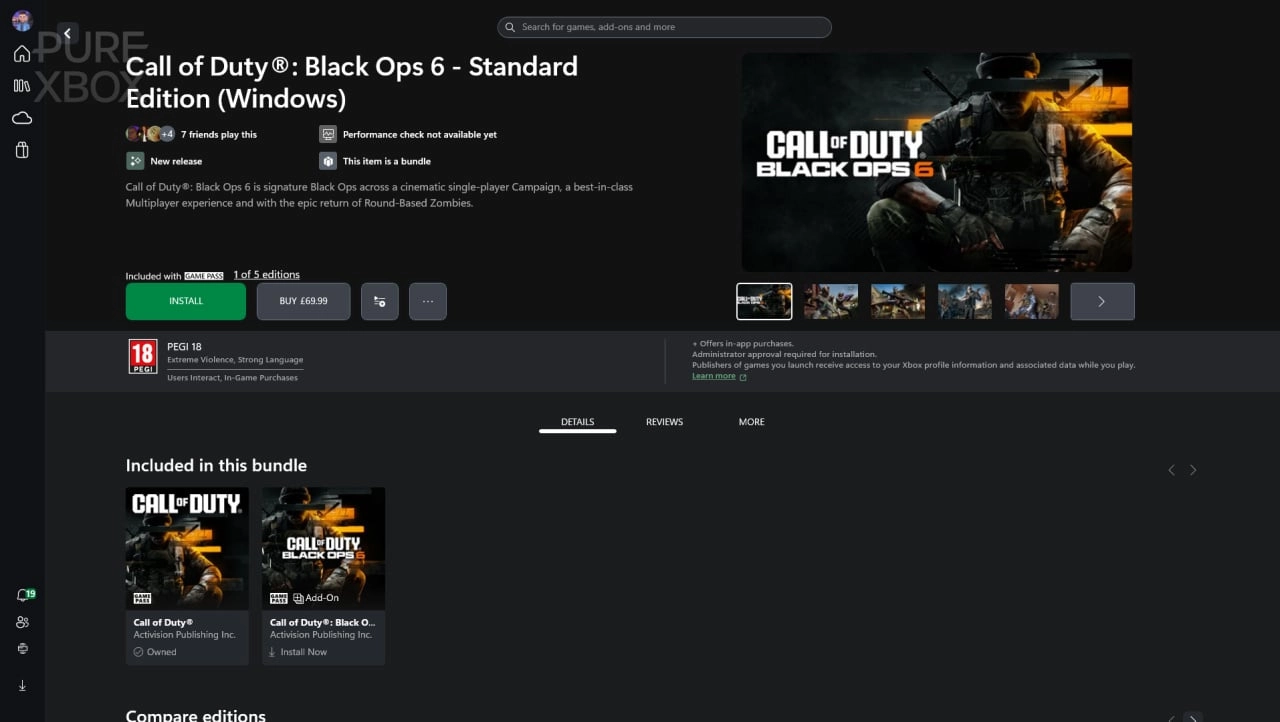
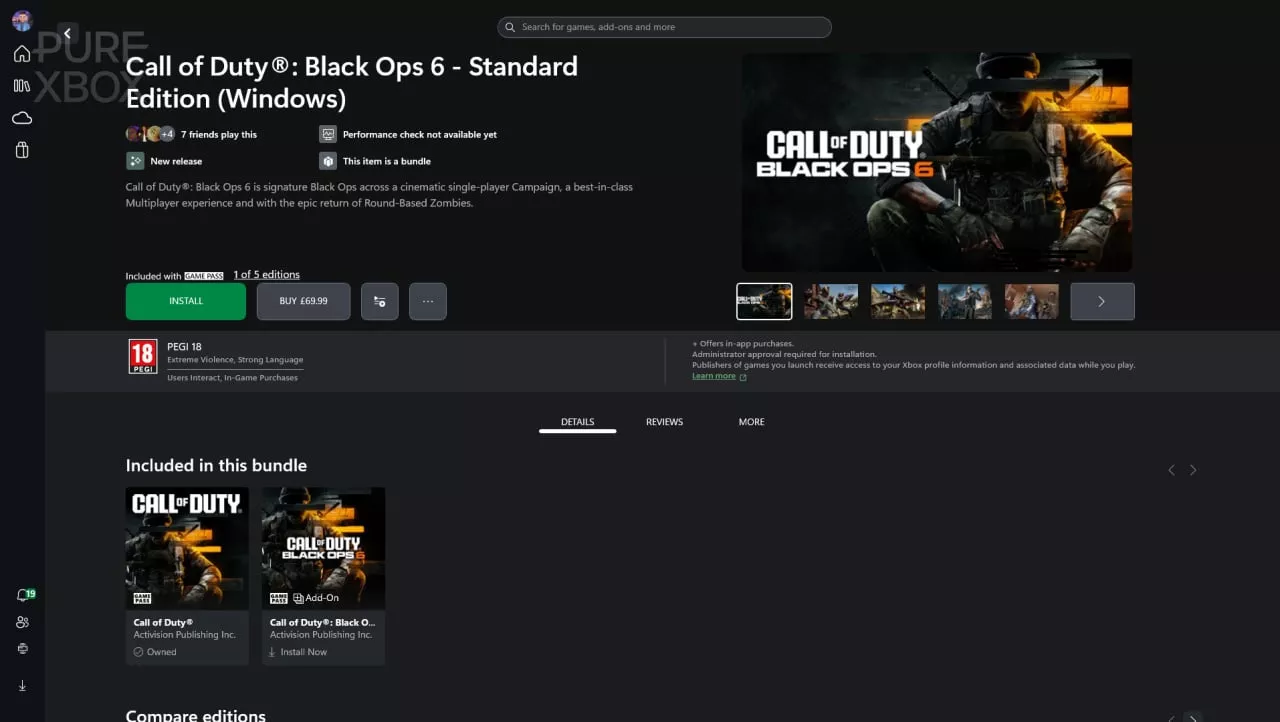
The excitement surrounding the release of Call of Duty: Black Ops 6 as part of the Xbox Game Pass Ultimate was palpable, yet not everything has gone smoothly. Many users, particularly on the PC platform, have encountered issues when trying to launch the game. Some players reported being incorrectly prompted to purchase the game, despite having appropriate Game Pass access.
If you're one of the affected users, don't worry. You're not alone, and there are several potential fixes you can try to resolve the problem and dive into Black Ops 6.
Firstly, it's essential to ensure that your subscription is active and that you have the right version of Game Pass. Black Ops 6 is available only to Xbox Game Pass Ultimate and PC Game Pass members. If you are subscribed to Game Pass Core or Game Pass Standard, you will not have access to the game, which might be why you see a prompt to purchase it.
If you are correctly subscribed but still facing issues, one recommended solution comes from Reddit and has helped numerous users. A user, known as ricky54326, suggests several steps:
1. **Restart Your Device**: Begin by simply restarting your PC. This can resolve many minor glitches, including login issues and update problems that might prevent Game Pass from working correctly.
2. **Check Your Apps**: Use different methods to access Black Ops 6. Try launching the game via the Xbox PC app, the Microsoft Store PC app, and any other relevant game hub. Sometimes, accessing the game through a different route can bypass the issue.
3. **Recheck Your Downloads**: Make sure that all files related to Black Ops 6 are completely downloaded and installed. Incomplete or corrupted installations could be causing the game to malfunction.
4. **Stay Updated**: Keep an eye on the Xbox Game Pass Reddit community. It's a valuable resource where users share their experiences and solutions to common problems like these. Being active in such communities can provide you with up-to-date fixes and workarounds shared by other gamers.
For console players experiencing trouble, the primary advice is to restart the console. This action can help clear any system cache and refresh your connection, potentially fixing the issue. Also, confirm that all parts of Black Ops 6 have been downloaded completely on your Xbox. Sometimes, games are playable before the entire file is downloaded, leading to errors.
Additionally, while some users may look for advanced solutions, sometimes patience is key. During a game's launch window, servers can be overloaded, and issues may arise that will typically resolve themselves as the traffic dies down.
For further help, the community at Pure Xbox and similar forums can be a great resource. Experienced players who have navigated these issues before often have precise and innovative solutions that are not widely known.
Remember, if none of the above steps work, keeping an eye out for official updates and patches from the game developer or publisher can also be crucial. Sometimes the issue is more widespread and requires an official fix.
Finally, don’t forget to enjoy the gaming experience once you resolve these issues. Black Ops 6, like its predecessors, promises intense action and thrilling gameplay that should not be missed. Hopefully, these tips will help you quickly overcome any hurdles and let you dive back into the action without further interruptions.

You must be logged in to post a comment!