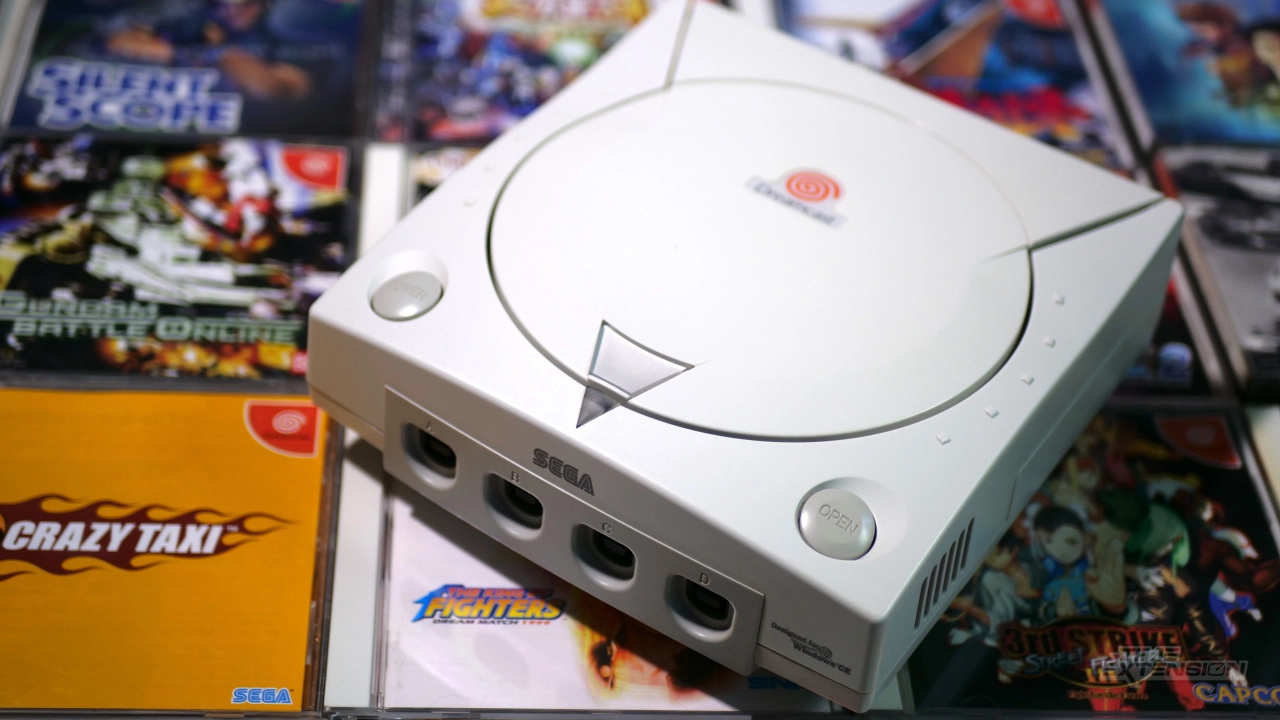
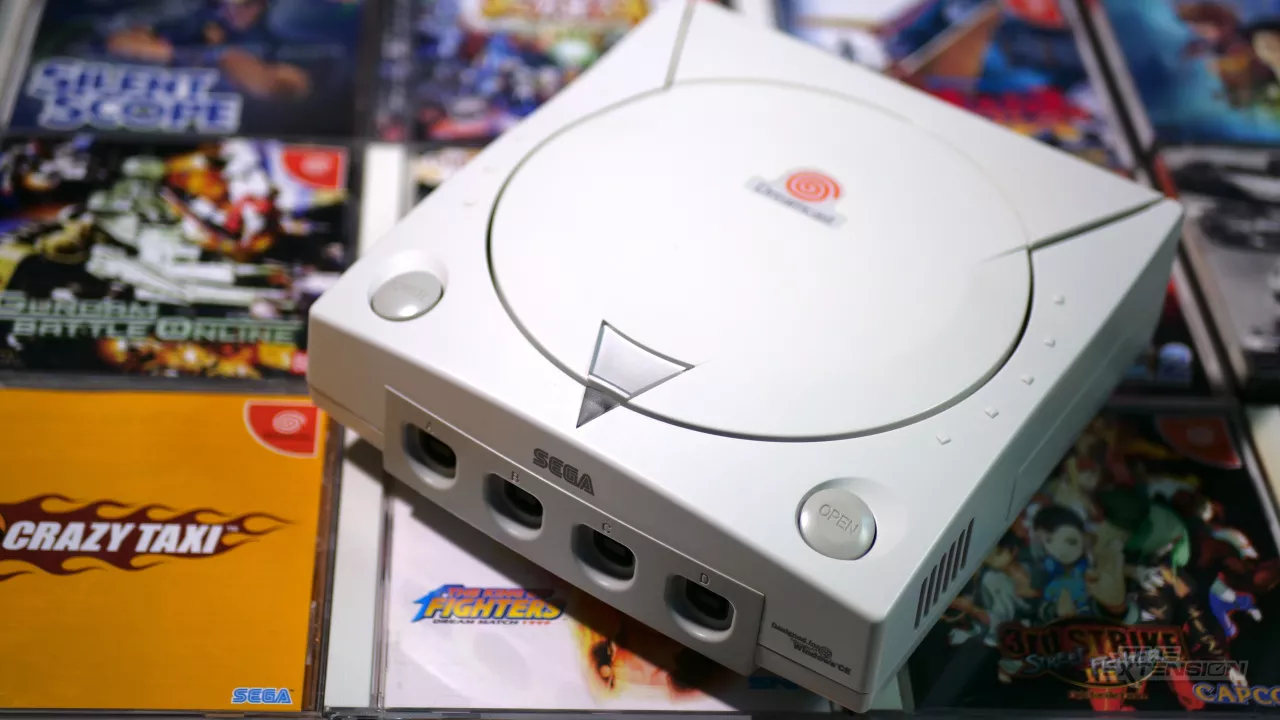
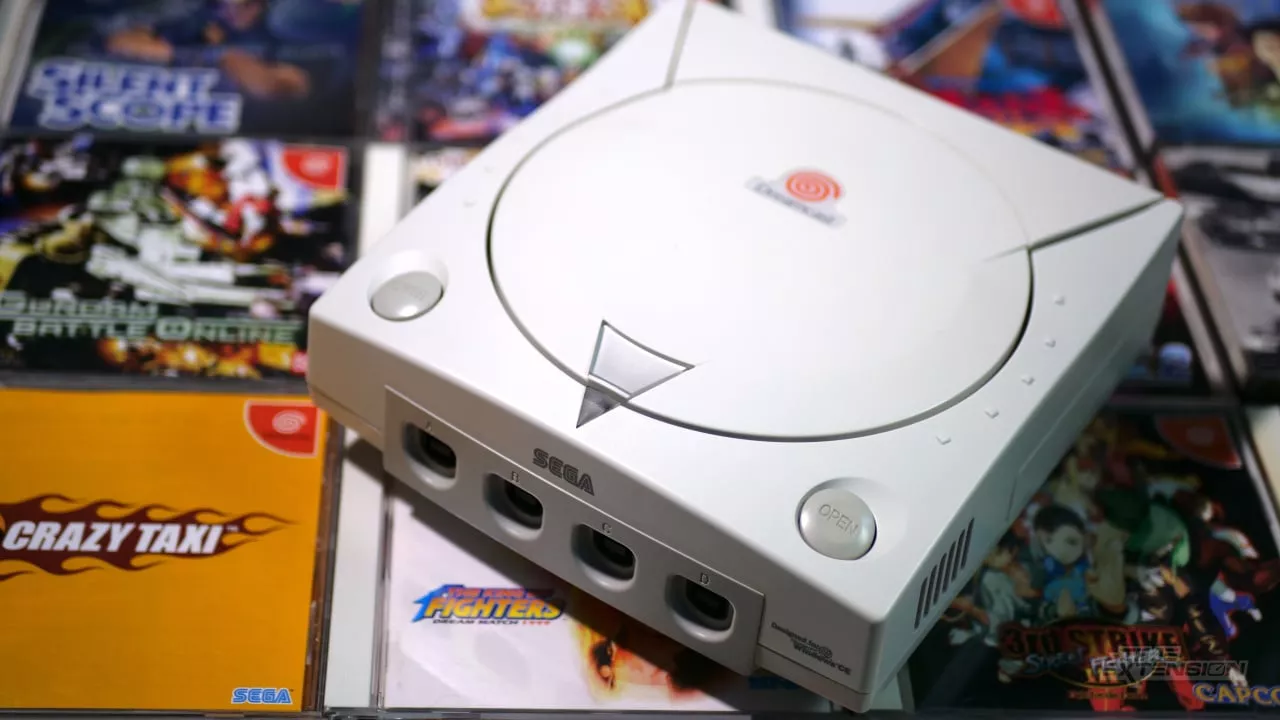
The Sega Dreamcast, launched in the late 90s, was the first home gaming console to offer built-in internet connectivity. However, with Sega discontinuing the system, its online capabilities faded into obscurity. Now, 25 years later, fans have engineered a way to bring the Dreamcast online again. DreamPi, a creative use of the Raspberry Pi, has made online gaming on the Dreamcast not only possible but also relatively easy and cost-effective.
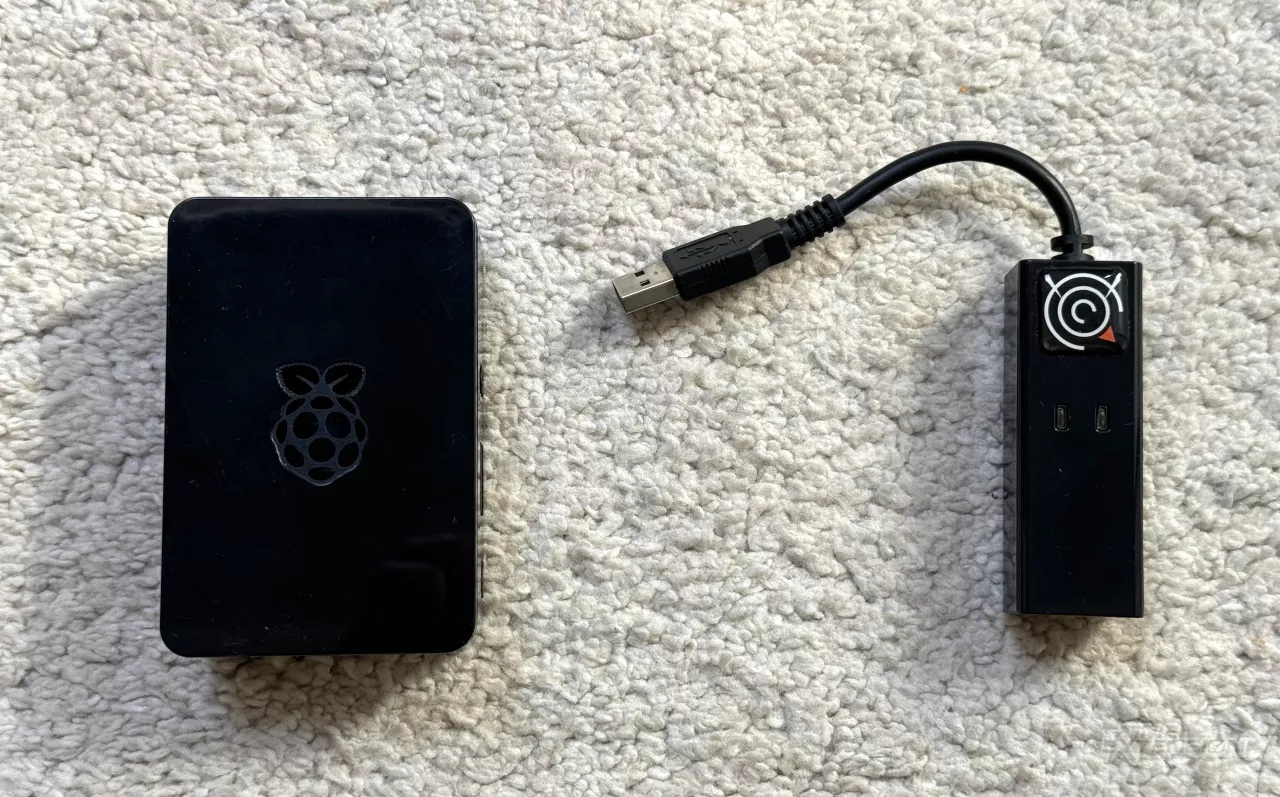
DreamPi utilizes a standard Raspberry Pi, transforming modern broadband connections back to the dial-up connections native to the Dreamcast. This project is spearheaded by Luke "Kazade" Benstead, whose software orchestrates this conversion with the help of a USB Modem and a Line Voltage Inducer. For those who do not want to modify hardware themselves, pre-modified modems are also available for purchase.
Here’s a comprehensive guide on what you will need and how to set up DreamPi to get your Dreamcast online:
**Essential Components:**
1. **Raspberry Pi:** Any model except the Pi 5 will work; older models might require additional components like a WiFi dongle or a USB hub.
2. **USB Modem:** Recommended models include the Dell/Lenovo RD04-D400, the TRENDnet TFM-561U, and the Zoom 3095.
3. **Line Voltage Inducer:** This can either be built into your modem or installed for a fee.
4. **MicroSD Card:** Minimum 4GB for installing the DreamPi software.
5. **RJ-11 Phone Cable and Ethernet Cable:** For connecting your Dreamcast and Pi to the network.
6. **Dreamcast Web Browser or compatible game:** Needed for network configuration on the Dreamcast.
**Setup Process:**
1. **Install DreamPi:** Download the latest version of DreamPi and flash it onto the MicroSD card using a program like Win32DiskImager or Etcher.
2. **Connect Hardware:** Insert the MicroSD into the Pi, connect the Pi to your router via Ethernet, and link the USB modem to your Dreamcast via the RJ-11 cable.
For those utilizing a WiFi connection, a simple additional step on a Raspberry Pi 3 or newer involves configuring the wireless setup with network details and rebooting the device.
**Configuring Your Dreamcast:**
Use the Dreamcast’s web browser or a compatible game to enter network settings provided by the DreamPi community. This typically involves a default phone number and DNS settings, but varies slightly depending on the software used for configuration.
**Enjoying Online Games:**
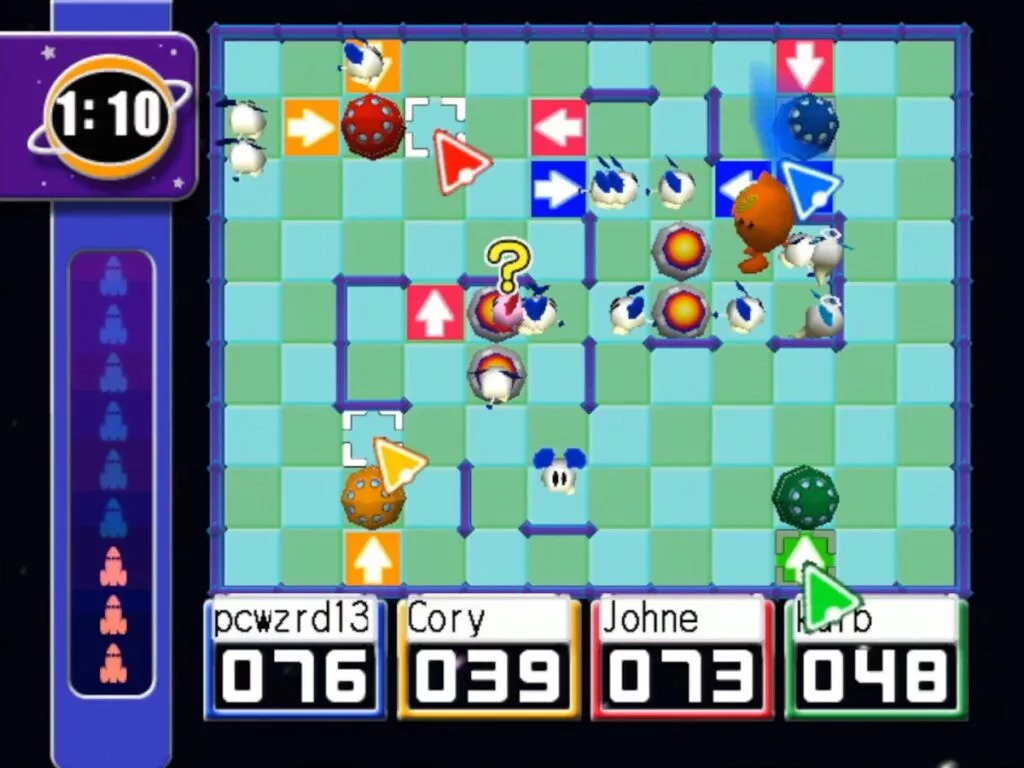
The DreamPi allows you to play a wide range of Dreamcast games online. From popular titles like "Quake III Arena" and "ChuChu Rocket" to games with online leaderboards, the supported list continues to grow as the community revives more games. Community-hosted servers keep these games alive, with all game-related traffic routed through the DreamPi.
Despite the potential for sparse player populations and occasional connectivity issues, many games play better now than they ever did on their original dial-up connections. The ongoing efforts of the community not only enhance gameplay but also preserve these classic gaming experiences for current and future generations.
**Looking Ahead:**
The Dreamcast online community is vibrant and continues to develop ways to bring more games back online. With each passing year, new titles are adapted to work with DreamPi, expanding the library and the possibilities for fans around the world.
The DreamPi project is more than just a nostalgia trip; it is a testament to the enduring appeal of the Dreamcast and the dedication of its fan base. Whether it’s for experiencing vintage online gaming or exploring what the community has preserved, setting up DreamPi is a rewarding project for any Dreamcast enthusiast.

You must be logged in to post a comment!