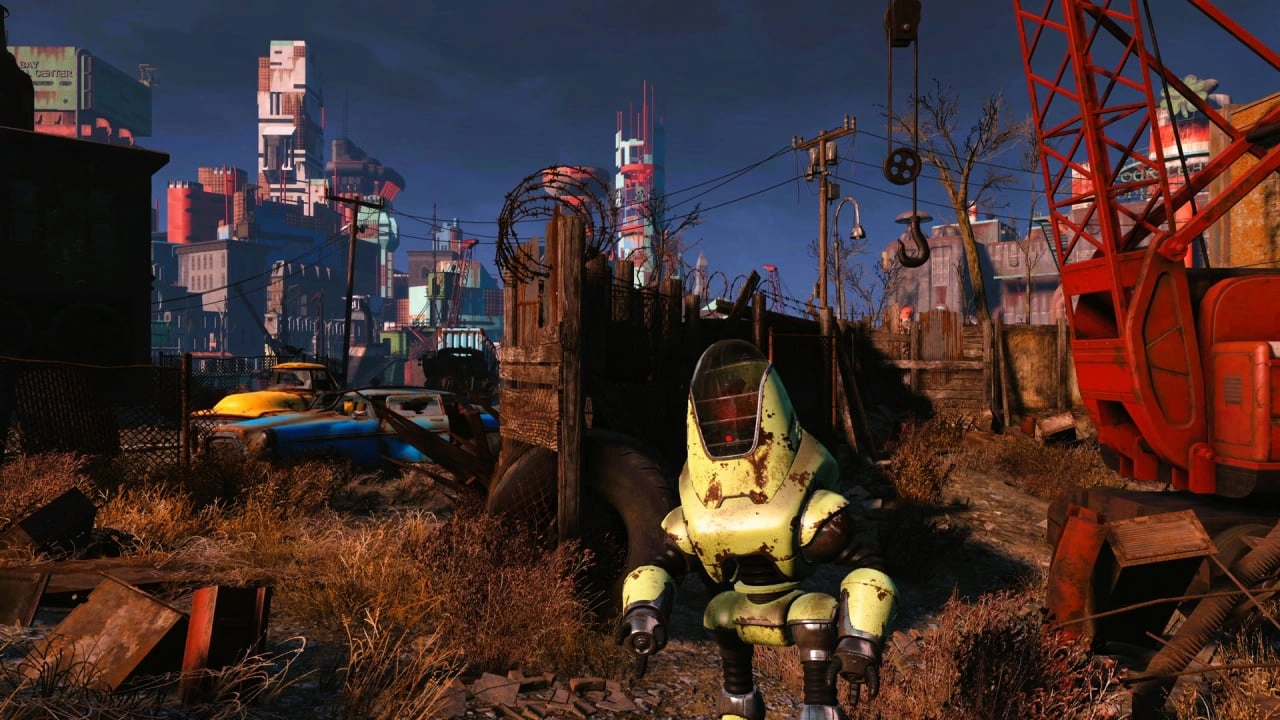
The latest Chapter in Fallout 4's evolution is its next-gen 'Update 2', which is now live and bringing a wealth of enhancements and critical fixes to players on Xbox. This update follows closely on the heels of the initial next-gen upgrade, responding promptly to the player feedback and persistent issues that emerged post-launch.
One of the standout features of this patch is the introduction of a variable 'Frame Rate Target' option. Players can now choose their desired frame performance target from options including 30, 40, and 60 FPS. It's important for players to note that the 40 FPS setting requires a display capable of supporting 120Hz to function effectively. This flexibility allows gamers to tailor their visual experience according to their hardware capabilities and personal preferences.
Moreover, the update introduces two new modes aimed at optimizing the gaming experience: 'Visuals' and 'Performance'. By default, the game is set to 'Performance', focusing on maintaining a smooth frame rate. This mode is recommended when the player opts for the highest frame rate target of 60 FPS. On the other hand, the 'Visuals' mode is designed to enhance the graphical fidelity of the game, which might be preferable to those willing to sacrifice some frame rate stability for sharper and more detailed graphics. These settings are dynamic and can adjust the internal resolution based on the intensity of on-screen activities to maintain performance.
In addition to these features, the update also includes a raft of general stability improvements aimed at creating a more stable and bug-free gaming environment. These cover a variety of elements from fixed visual issues with certain image spaces to re-enabled Auto HDR on Xbox Series S|X. More specific fixes include corrected display issues in the load order menu and adjustments to the widescreen mode character name field on PC.
This patch is particularly significant in the context of community feedback directly influencing development priorities. For example, issues that previously caused crashes when downloading mods or inconsistencies with material swaps have been addressed. Similarly, PlayStation 5 users will find reassurances in fixes that prevent DLC breakdowns after mod downloads or system crashes while managing queued mod downloads.
Looking at the bug fixes in more detail:
- General stability across the game has been amped up.
- Visual misrepresentations fixed, especially in image spaces.
- Auto HDR has been reactivated for Xbox Series S|X players.
- Improvements in how reserved spaces are displayed in load orders.
- Fixes for character naming in widescreen on PC.
- Corrections to the download and crash issues associated with bundles and mods.
- Material swap and load order issues that led to DLC corruption now rectified.
Additionally, Update 2 addressed some Creation Club concerns—specifically, problems related to missing art in certain Creations have been resolved, ensuring a smoother and more visually appealing experience when purchasing and using Creation Club content.
As the Fallout 4 community continues to engage with and enjoy this iconic game in new and improved ways, the responsiveness of the developers to the needs and issues of gamers plays a pivotal role in sustaining the game's popularity. This update is part of an ongoing effort to refine and polish Fallout 4, ensuring it remains enjoyable and technically robust for its fan base.
This proactive approach in refining Fallout 4 demonstrates a commitment to player satisfaction and game performance integrity, which is essential as the landscape of gaming continues to evolve with newer console technologies. As the Fallout universe keeps expanding and improving, updates like these are crucial in keeping the player base engaged and ensuring that veteran titles like Fallout 4 maintain their relevance in the competitive gaming market.

You must be logged in to post a comment!