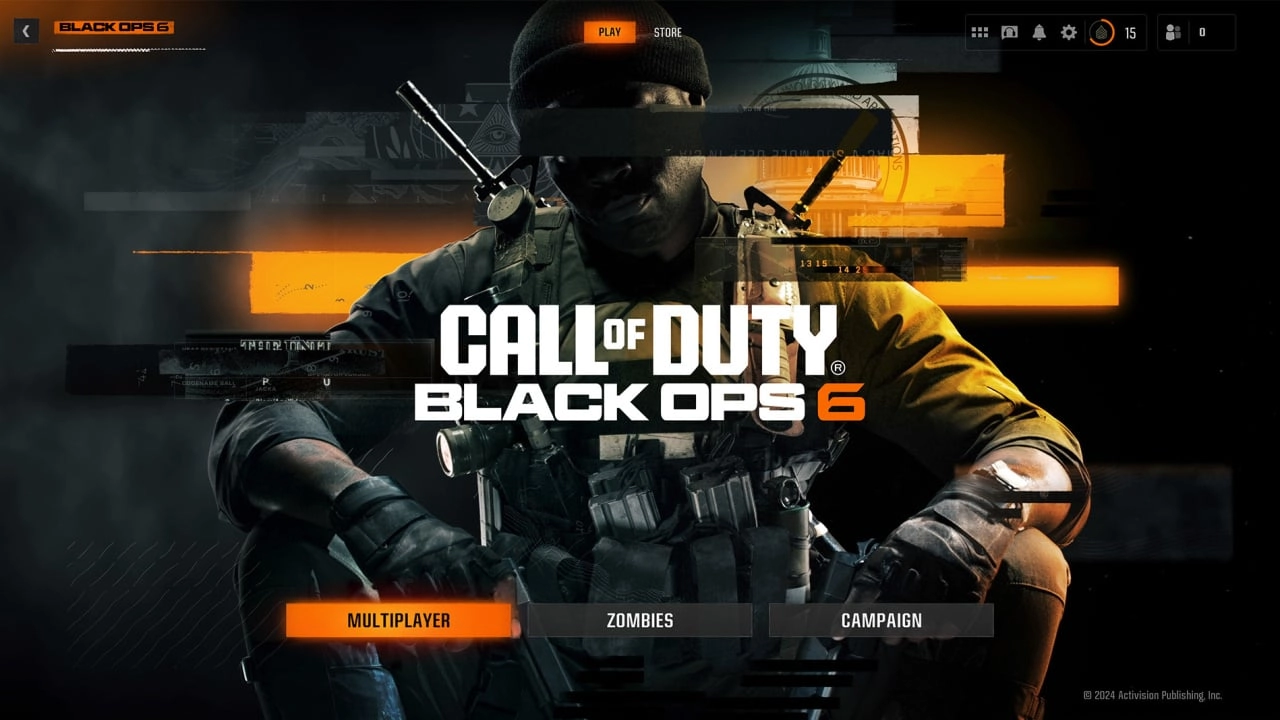
As one of the most anticipated titles of the year, Call of Duty: Black Ops 6 is making headlines with its impending launch on Xbox this week. In preparation for its release, preloading is now available across Xbox platforms, including Xbox One and the Xbox Series X and Series S. The preload feature allows players to download and install the game before its official release date, ensuring they can jump right into the action as soon as the game goes live.
For those unfamiliar with the concept, preloading is a service that game publishers offer allowing players to download a game prior to its official release. This is particularly useful for games like Black Ops 6, which have large file sizes. In the case of Xbox Series X, the game comes in around 100GB. Preloading ensures that players don't have to wait through lengthy downloads on launch day and can start playing immediately.
To preload Black Ops 6 on your Xbox console, start by navigating to the Xbox Store. You’ll want to locate the 'Call of Duty' app within the store. Once you find it, select ‘Install’ and then move to ‘Choose What to Install’. You will be presented with an option to select the 'Call of Duty' base game as well as the Black Ops 6 specific files. After selecting the necessary files, simply hit the 'Install' button. Your download will commence, and you'll be all set for the game's launch.
Xbox Game Pass members have an even simpler process. They can use the Xbox Game Pass app to look for the Black Ops 6 section and select 'Pre-Install All'. If you already have the Call of Duty hub app installed, find it in your 'My Games & Apps' library. By hovering over the app and pressing the 'Menu' button on your Xbox controller (marked by three lines), you can then choose 'Manage Game & Add-Ons'. Press the A button here to manage your installation preferences and find the BO6 files.
With recent releases, Xbox and the developers of Call of Duty have focused on user convenience by allowing players to select which components of the game to install. This could be just the campaign, multiplayer, or other parts, helping to manage the overall storage space required on your console.
Moreover, Call of Duty: Black Ops 6 is following a hub-based model like recent iterations, meaning that it integrates into a holistic Call of Duty hub. This approach can be slightly confusing initially, but it streamlines game updates and DLC management, making it easier for players to maintain and update their game without fuss.
For those eager to know more details about Black Ops 6, including the exact release timings and further gameplay specifics, it's suggested to check out the detailed game guides available online. These guides provide comprehensive details about what players can expect and how best to prepare for all the new gameplay features and improvements.
As the launch date approaches, excitement is building, with players ready to preload and prepare for another thrilling entry in the Call of Duty franchise. Whether you are a seasoned player eager to jump back into the familiar yet constantly evolving world of Black Ops or a newcomer ready to experience its intense gameplay for the first time, preloading Black Ops 6 ensures you’re ready to go the moment the game goes live. Don’t forget to check your installation options and manage your game files through the console settings, ensuring your setup is optimized for the best possible gaming experience come launch day.

You must be logged in to post a comment!